In the first article, I described a familiar problem: hundreds of useful product spreadsheets, but no easy way to answer a company-wide question. Microsoft Access gave people a practical way to bring that information together and build an application around the work.
Now move the story forward a few years.
The application is still useful. People rely on its reports. Along the way, someone has added a new product status, changed a costing calculation or made an exception for a particular situation.
Then you hear the words every developer knows:
“The report works. I just need one small change.”
That can be a very short request followed by a very long afternoon.
The business knowledge inside the application
Think back to the question about active products grouped by brand. A report answering it needs more than product names and numbers. Someone has decided what “active” means, which cost to use and how to handle products that are at different stages of development.
Those decisions may live in a query, a form, a VBA procedure or a combination of objects. Over time, they become part of how the business operates.
The person using the report may know what it means without knowing how it is produced. The developer may remember the original design but not every change made since. And someone inheriting the application may have neither advantage.
Before changing a trusted result, it helps to understand the route that produces it.
Which query feeds this report? Does that query refer to other queries? Where is the calculation defined? What else uses the object I am about to change?
These are useful questions whether the goal is a small improvement, a new dashboard or a move to another platform.
Making the investigation easier to follow
That repeated need to investigate was one of the reasons I built Karris Insighter for Microsoft Access, or KAI.
KAI scans an Access application and produces interactive HTML documentation. The idea is to give you a clickable way to explore its recorded objects, definitions and relationships while working through a question.
You might start with a report, follow its recorded query references and inspect the underlying tables or logic. Instead of relying entirely on memory, you have an organized body of application evidence to work from.
A scan is a snapshot, so its date matters. If the application has changed since the scan, the documentation may need refreshing. And recorded dependencies are a starting point for investigation: dynamic references, external systems and behaviour that depends on how the application runs can require further checking.
The developer’s judgment still matters. The documentation helps make that judgment better informed.
Having a conversation about how it works
You can also have a conversation about your Access application.
Not just tell it how you feel about it, although I’m sure some of us have done that.
KAI’s MCP Companion provides a way for a compatible AI assistant to retrieve relevant scan evidence. MCP is a standard that lets an AI assistant use tools and supporting context.
That opens up a useful back-and-forth. For our product report, you could ask:
“Using this scan, explain how the report gets its information. Show me the recorded queries and tables.”
Then:
“Where is the active-product filter defined?”
And perhaps:
“If I change that filter, which recorded dependencies should I review, and what should I test?”
The useful part is being able to inspect the objects behind the explanation and ask a more informed follow-up. An AI answer can be a helpful guide, but you still want to check its reasoning against the application and test a proposed change.
Think of KAI as a bridge between your Access application and an AI assistant. KAI supplies the scan evidence that helps the assistant work with the structure and logic you already have. The business data comes separately, through an appropriate authorized connection or export.
That can lead to more than an explanation. Suppose you want a dashboard based on the product report we have been discussing. You could ask the assistant to use the documented report and query structure to help build a first prototype.
Then you work through it together. Is that the view you had in mind? Which filters would make it useful? What would you change? Your input guides the next version, and the assistant helps build and refine it. To show real numbers, the dashboard needs the appropriate authorized business data and agreed definitions for its measures. You can then check its results against the reports you already know.
Getting more value from what is already there
An existing Access application may represent years of practical problem-solving. Understanding it can help you improve documentation, prepare a reporting change, investigate an export or plan a migration.
That is the opportunity: use the knowledge in an application you already trust as a starting point for something new. KAI helps make that knowledge accessible, and your AI assistant can help you turn an idea into a prototype, then improve it with you.
Join the November 10 KAI session
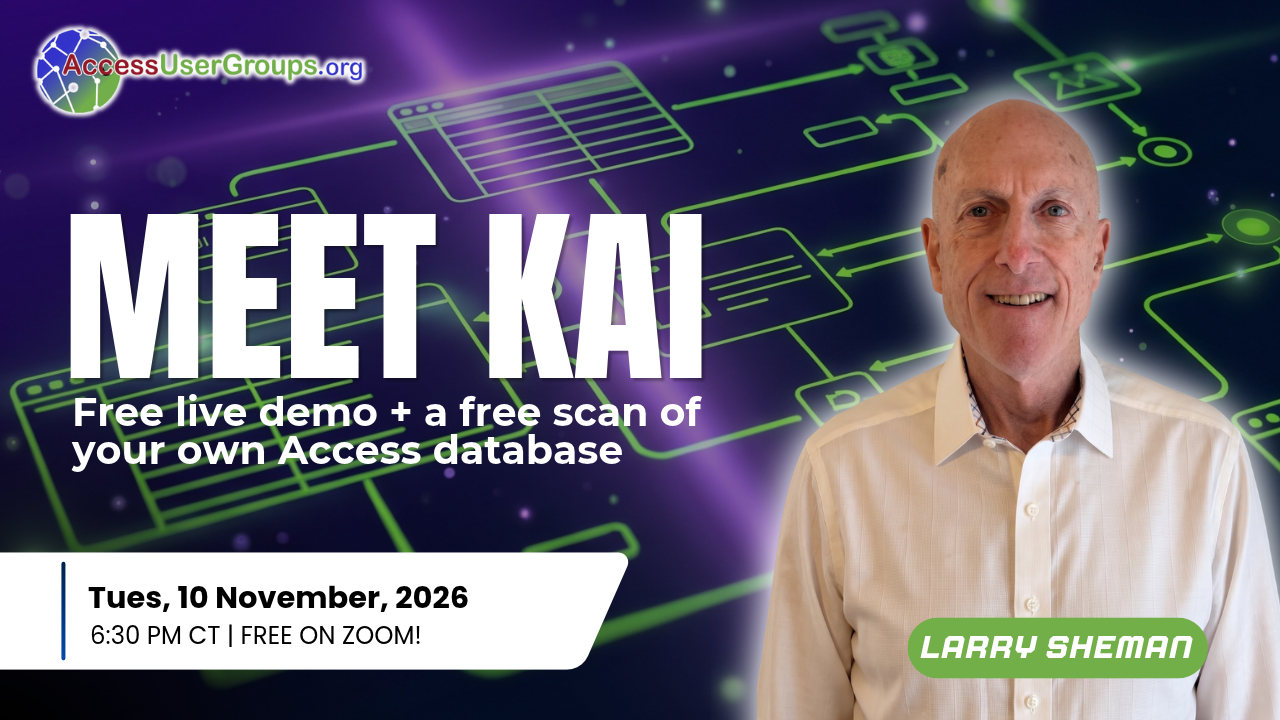
Tuesday, November 10, 2026, at 6:30 p.m. Central / 7:30 p.m. Eastern. Free on Zoom.
On November 10, 2026, I’ll be joining Juan Soto’s SQL Server with Access group to demonstrate this approach with KAI and invite questions. If you build, support or have inherited an Access application, I hope you’ll join us. Event details.
My thanks to Juan Soto, Access User Groups and IT Impact for helping bring this session together.
What could you build next with the knowledge already inside your Access application?